AI Influencer Generator Platform for Creators & Small Teams
By Emre Danisan · Founder of Danex AI, Artificial Intelligence Expert
What an AI influencer generator platform actually needs: a stable persona, Viral Trend Studio, video, and posting to Instagram, TikTok, LinkedIn, YouTube, X, and Facebook. How Danex AI fits that stack.
An AI influencer generator platform should cover more than one-off faces: reusable identity, scene generation, short video or trends, and publishing. Danex AI Influencer Generator is built as that full loop for creators and small teams, not as a single-model playground.
TL;DR: AI influencer generator platforms
An AI influencer generator platform is not just “make me a face.” It is the setup that lets faceless creators, founders, and small marketing teams keep one character consistent, make content that fits current trends, and get it onto Instagram, TikTok, LinkedIn, YouTube, X, and Facebook without duct-taping five apps together. For the tool / head-term page (what an AI influencer generator is), read AI influencer generator. Danex AI is built as the full loop: Generate AI Persona, Viral Trend Studio, video, and auto-posting. Start free with 20 credits and 5 daily.
On this page: AI influencer generator platforms
- Generator vs platform
- What a real platform should include
- The Danex AI workflow
- Who this is for
- Free tier and when to upgrade
- How this compares to point tools
- How to launch your first AI influencer
- FAQs
Generator vs Platform
An AI influencer generator answers a simple question: can I make a realistic image or clip?
An AI influencer generator platform answers a harder one: can I run this character like a real content channel?
| Generator | Platform | |
|---|---|---|
| Output | One-off assets | A persona you reuse |
| Trends | You invent prompts every time | Trend templates / a studio |
| Posting | Download, CapCut, upload | Built-in or connected auto-post |
| Who it fits | Messing around | Solo creators and small teams |
If you already have good prompts, the next step is usually a platform that turns those prompts into a calendar. See AI influencer prompts and the best AI influencer generator platform list.

What a Real Platform Should Include
If you live on Instagram and TikTok, you want at least:
- A persona system with a locked look and reusable identity (Generate AI Persona)
- Scene control so the same person shows up in new places (Be Anywhere You Want)
- Short-form video that works for Reels and TikTok (AI video generation)
- A trend layer for formats that are working right now (Viral Trend Studio)
- A publish path so you are not leaving the product to schedule posts (Auto posting)
- Basic trust stuff: clear pricing, commercial terms on paid plans, disclosure guidance (Terms)
Miss a few of those and you are back to a DIY pipeline. Fine if you like tinkering. Rough if you are a solo founder with limited evenings.
The Danex AI Workflow
Here is how Danex AI strings it together for faceless creators and small teams:
- Create or tweak your influencer persona.
- Generate stills and product or lifestyle scenes.
- Make short video, or pull something from Viral Trend Studio.
- On Pro and above, connect Instagram, TikTok, LinkedIn, YouTube, X, or Facebook and auto-post.
- Use daily credits so you are not stuck waiting for a monthly reset mid-week.
That gap between “cool demo” and “I can post again tomorrow” is the whole point. Browse danex.ai or jump into onboarding.
Who This Is For
- Solo faceless creators who want a visible brand without showing their own face
- Founders testing creator-style marketing before they hire talent
- Marketing managers at small startups who need volume without an agency bill
Bigger agencies often mix tools. Our older writeup SynthLife vs Higgsfield vs Danex AI still helps, and so do newer pages like Danex AI vs Higgsfield.
Free Tier and When to Upgrade
| Plan | Credits | Why it exists |
|---|---|---|
| Free | 20 starting + 5 daily | Prove the persona and ship a few posts |
| Pro | 100/mo + 10 daily | Unlock auto-posting and brand assets |
| Premium | 300/mo + higher daily | Heavier volume and advanced features |
Full detail is on pricing. Upgrade when posting cadence or client-ready output is the bottleneck, not when you have only made three images.
How This Compares to Point Tools
| Need | What people usually grab | What a platform like Danex AI does |
|---|---|---|
| Cinematic motion only | Higgsfield-style generators | Danex video + trends, or keep a motion tool on the side |
| Identity lock above all | Ryla-style stacks | Persona + consistent regenerations |
| UGC still variations | TheInfluencer-style apps | Persona + product photography features |
| Posting every day | CapCut + Meta apps by hand | Auto-posting |
When you are shortlisting, also read Danex AI vs Ryla and Danex AI vs TheInfluencer.ai.
How to Launch Your First AI Influencer
- Pick a niche and a voice (fitness, fashion, lifestyle, business).
- Build the persona in Danex AI.
- Make 5 to 10 on-brand stills and keep the same face.
- Make a few short videos or Viral Trend Studio outputs.
- Disclose AI or virtual influencer where you should, and set the bio.
- Post on a schedule. Use auto-post on Pro if you want less busywork.
- Watch saves and shares before you throw money at growth.
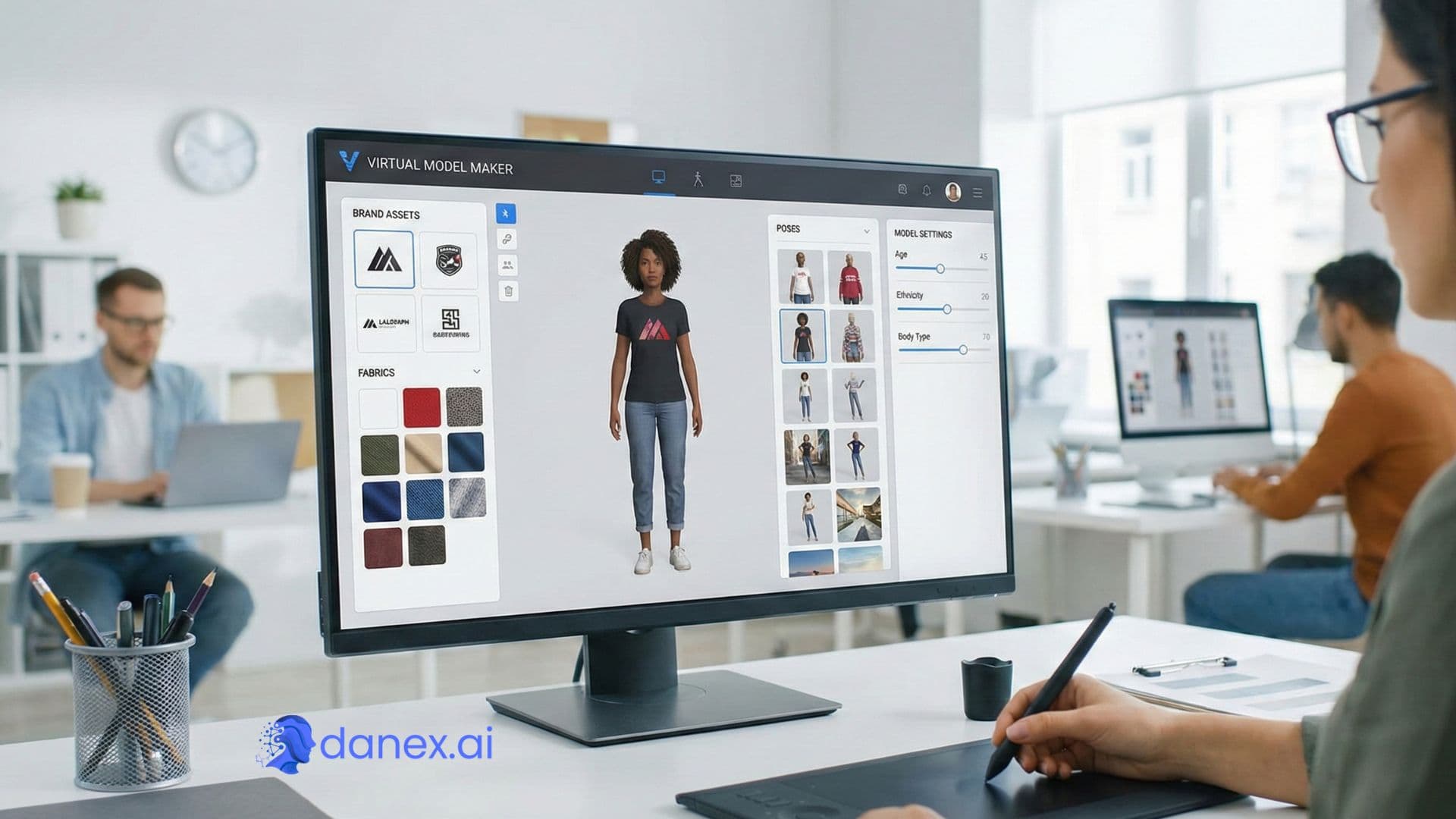
If fashion looks are the main goal, see AI virtual model and AI fashion model generator.
AI influencer generator platforms FAQs
What is an AI influencer generator platform?
Software that combines persona creation, image and video generation, and usually publishing or scheduling, so you can run a virtual influencer over time instead of rendering one image and calling it a day.
Why not use Midjourney plus CapCut?
You can. Plenty of people do. A lot of solo creators quit that stack when face consistency and posting eat the whole weekend. A platform cuts the handoffs.
Which social platforms does Danex AI support?
Yes. Auto-posting targets Instagram, TikTok, LinkedIn, YouTube, X, and Facebook on eligible plans. You can still generate and use Viral Trend Studio earlier while you test creative.
Is the free plan enough to evaluate the platform?
Yes for a first persona and some sample posts. Daily credits help you come back without waiting for a monthly reset. See pricing.
Where do I learn disclosure rules?
Start with Are AI influencers allowed on Instagram and TikTok? and the AI section of our Terms.